
Lobby Layouts
The default lobby is a plain cabin interior. Add furniture, change wallpapers, set a custom spawn point.
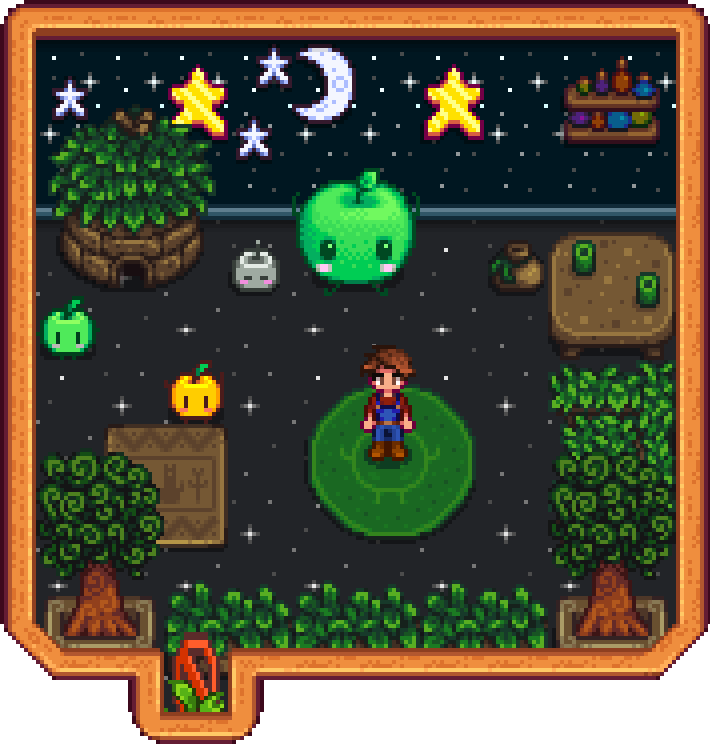
What You Can Customize
- Furniture: chairs, tables, plants, rugs, lamps, decorations
- Wallpaper & Flooring: per-room customization
- Objects: craftables and machines (decorative only in the lobby)
- Spawn Point: where players appear when they join
Layout Editing Workflow
Creating Your First Layout
As an admin, type this command in chat:
!lobby create welcome-roomYou'll be warped into an editing cabin with special protections: permanent daylight, sleep immunity, no stamina drain.
Now decorate! Place furniture, apply wallpaper, set up the flooring. Make it feel like home.
Setting the Spawn Point
Stand where you want players to appear and type:
!lobby spawnConsider placing a sign near the spawn with instructions.
Saving Your Layout
When you're happy with your creation:
!lobby saveYour layout is saved and you're teleported back to where you were before editing.
Activating the Layout
!lobby set welcome-roomAll new unauthenticated players will now see your custom lobby!
Edit Mode Features
When editing a layout, you enter a special editing state:
| Feature | Description |
|---|---|
| Permanent Daylight | Time appears frozen for you, no rushing to bed |
| Sleep Immunity | Other players can sleep and end the day without affecting you |
| Stamina/Health Lock | No exhaustion or damage while decorating |
| Auto-Teleport | Returns you to your previous location on save/cancel |
Other players can continue playing normally while you edit.
Layout Name Rules
Layout names must follow these rules:
- Allowed characters: Letters, numbers, dashes (
-), underscores (_) - Maximum length: 32 characters
- No spaces: Use dashes instead (e.g.,
my-cool-lobby) - Reserved name:
defaultcannot be renamed or deleted
Examples:
- ✅
welcome-room - ✅
cozy_cabin_v2 - ✅
lobby01 - ❌
my cool lobby(no spaces) - ❌
lobby@home!(no special characters)
Sharing Layouts
Created an amazing lobby? Share it with other server owners!
Exporting
!lobby export welcome-roomReturns a compressed, encoded layout string:
SDVL0H4sIAAAAAAAAA6tWKkktLlGyUNJR...
Importing
Got a layout string from someone? Import it:
!lobby import cozy-cabin SDVL0H4sIAAAAAAAAA6tWKkktLlGyUNJR...The layout is now available on your server. Use !lobby set cozy-cabin to activate it.
The export also prints to the server console (SMAPI logs) for easier copying.